
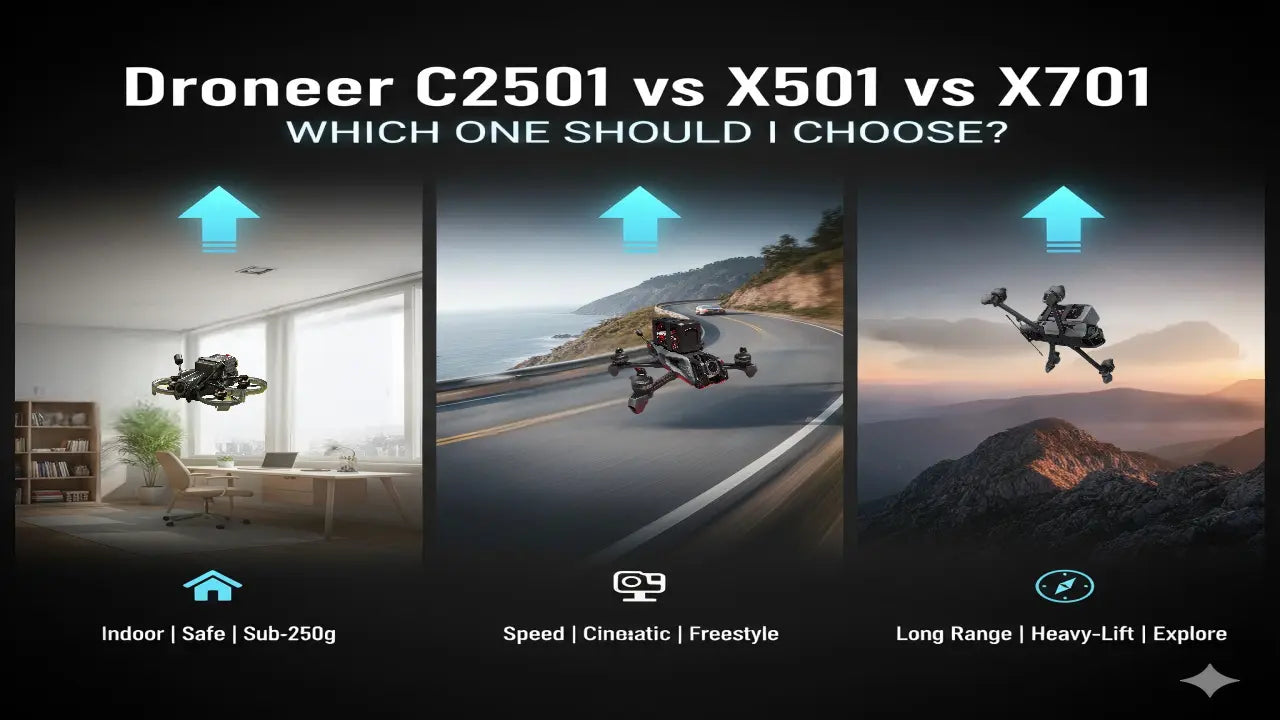
In the previous article, we primarily introduced three distinct series of FPV drones from Droneer: the Cinewhoop FPV drone C2501, the Freestyle FPV drone X501, and the long-range FPV drone X701. All three Droneer FPV drones support dual video transmission systems—analog and digital.
When shopping for FPV racing drones, beginners are often confused by all the different model suffixes and don't know how to choose.Droneer FPV offers three versions: PNP, Analog, and O4 Pro. What do these versions mean, which one best suits your needs, and how should you choose? Let's take a look!

FPV Drones Different Versions
PNP Version: Pure Custom Base
The Meaning of PNP
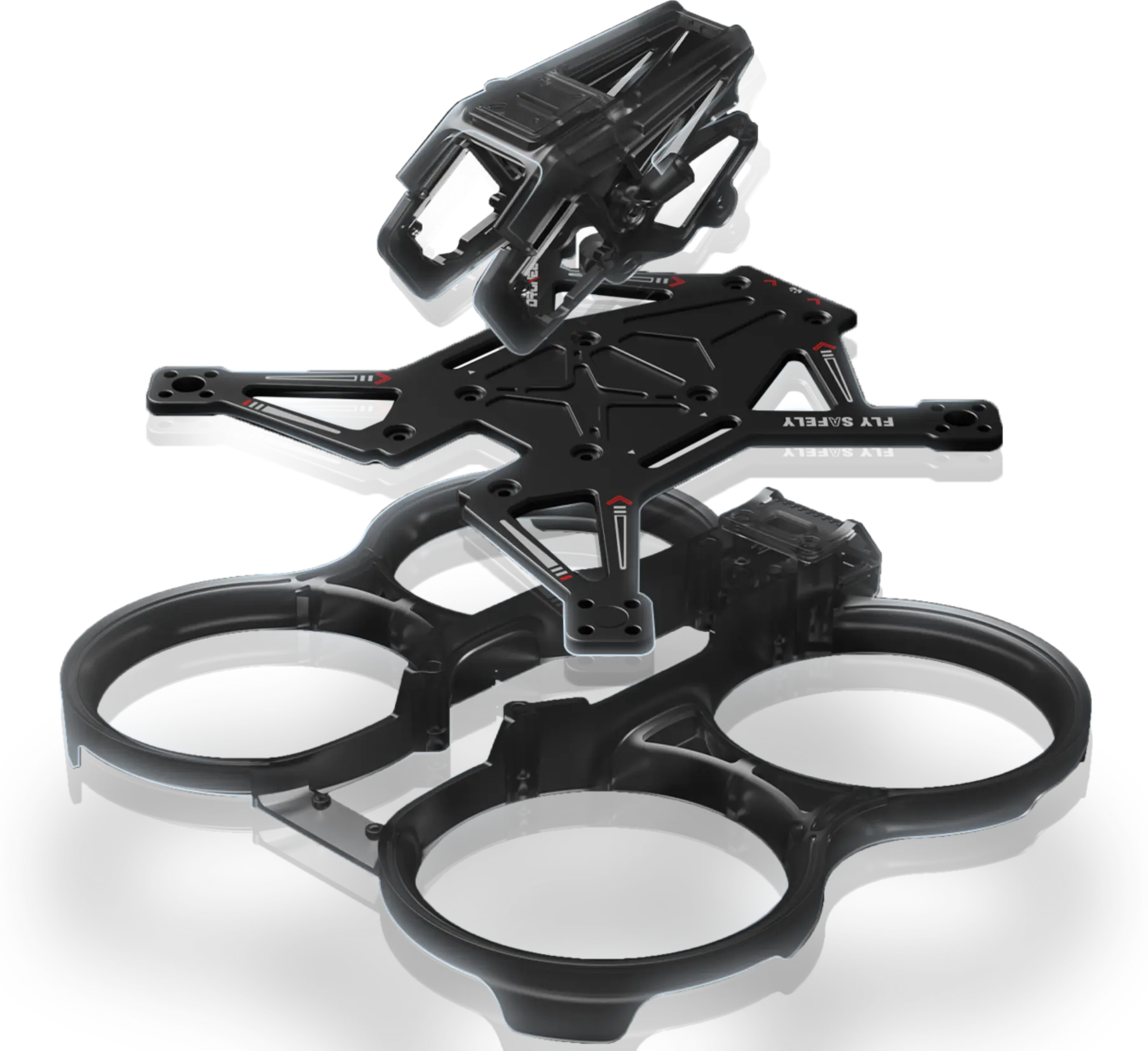
The PNP version is a plug-and-play model, selling pre-assembled FPV drones that do not include the receiver, video transmitter, or camera—these must be purchased separately. For the PNP version, the seller has already installed and soldered key electronic components like motors, ESCs, and the flight controller. You won't need to assemble the frame from scratch or solder motor wires yourself.
What Components does a PNP Version Typically Include?
For Droneer's FPV racing drones, what do you receive if you order the PNP version?
- Frame - Loop Type
- Motors - Droneer 1404 3650KV
- Flight Controller - F722
- ESC - 40A BLHeli_S
- Propellers - HQ Prop DT63
PNP Version Advantages and Suitable Users
Advantages Analysis:
- Ultimate value for money: The PNP version is the most basic type, as it does not include receivers, video transmitters, etc., and is therefore typically priced lower.
- Higher degree of freedom: The PNP version allows you to freely pair receivers and video transmission equipment, while also making upgrades and modifications more convenient. For example, it's suitable for installing systems salvaged from older drones onto the Droneer C2501, or adding long-range dedicated video transmission equipment to the Droneer X701.
- Better device compatibility: The PNP version can be directly installed on existing receivers without replacing the entire remote control system, thus avoiding equipment incompatibility issues.
Suitable for: Experienced players with spare equipment and welding skills.
PNP: No RX, Antenna, or VTX
Analog Version: Hardcore Flight and the King of Value
The Meaning of Analog
The Analog version refers to a drone version that uses an analog video transmission system (Analog FPV). On the FPV product page, the Analog version indicates that the drone is equipped with a traditional analog video transmission system, rather than digital high-definition video transmission.
Droneer analog FPV drones are equipped with a 1.6W high-power analog VTX and a Foxeer Micro Toothless camera.
Analog Version Advantages and Suitable Users
Advantages Analysis:
- Extremely low latency: Analog video transmission typically features extremely low latency, generally around 10ms. This is crucial for flight scenarios requiring rapid response, such as: FPV racing, High-speed obstacle navigation and Freestyle flight.
- More natural "image decay" and "penetration": When the analog video transmission signal weakens, it manifests as a gradual increase in snow-like dots, rather than a sudden interruption. This gradual signal attenuation provides the pilot with a clear "warning".
- The system is lighter and more compact: Analog video transmission systems (VTX and camera modules) typically weigh significantly less than digital counterparts. Lower takeoff weight translates to extended flight duration, quicker acceleration, and reduced inertia. For ultra-lightweight 5-inch models like the Droneer X501, weight management is critical for flight performance.
- High cost-performance ratio and low repair cost: Whether it's VTX or cameras, analog equipment typically costs only a fraction—sometimes as little as one-tenth—of the price of digital systems.
Suitable for:
- FPV racing enthusiasts
- Budget-conscious beginners
- Tiny whoop enthusiasts
- Those seeking low-latency flight experiences
Analog Version FPV Drone: Low Latency, Low Image Quality
O4 Pro: High-definition digital and immersive experience
The Meaning of O4 Pro
O4 Pro refers to the DJI O4 Air Unit Pro digital video transmission system. On the Droneer FPV product page, the O4 Pro version indicates that the drone utilizes DJI's latest generation of high-definition digital video transmission, rather than traditional analog video transmission.
The O4 Pro version typically includes the following core components:
- DJI O4 Pro Camera
- DJI O4 Air Unit Pro Video Transmission Module
- Video Transmission Antenna
Version Advantages and Suitable Users
Advantages Analysis:
- High-definition picture quality: The O4 Pro delivers 1080p high-definition picture quality that approaches 4K resolution. When conducting aerial photography with the Droneer X701, you will capture cinematic-grade footage.
- Longer video transmission distance: The DJI O4 Pro video transmission system supports long-range transmission and demonstrates greater “intelligence” when signal attenuation occurs—unlike analog systems where slow snowing gradually increases, the O4 Pro maintains image continuity right up to the maximum transmission distance.
- Low Latency: Despite being a digital video transmission system, the O4 Pro still offers low latency, balancing image quality with an optimal flight control experience.
- Powerful ecosystem: With the O4 Pro version, you typically use DJI's ecosystem directly (such as DJI Goggles goggles and specific controllers).
Suitable for: Users who seek visual enjoyment, aerial photography creation, or those who want to "fly right out of the box" without the hassle of welding.
O4 Pro Version FPV Drone: High-Definition Video Quality, Stable Flight
PNP vs. Analog vs. O4 Pro: Key Differences Comparison
Next, I will use the three different versions of the Droneer FPV drone as examples to provide a detailed comparison of the core differences between PNP, Analog, and O4 Pro:
| Core Components | PNP Version (Customization Preferred) | Analog Version (Best Value for Money) | O4 Pro Version (Flagship Choice) |
| Video Transmission System (VTX) | / | 1.6W High-Power Analog Video Transmission | DJI O4 Pro Digital System |
| Camera | / | Foxeer Micro Toothless | O4 Pro Exclusive Camera |
| Receiver (RX) | / | ELRS / TBS optional | ELRS / TBS optional |
| Flight Controller/ ESC(AIO) | Droneer F722 AIO | Droneer F722 AIO | Droneer F722 AIO |
| Motors | 1404 3650KV | 1404 3650KV | 1404 3650KV |
| Video Transmission Delay | Depends on the video transmission system | Very low | Low-latency digital video transmission |
| Video Transmission Distance | Depends on the video transmission system | Moderate | Further away |
| Video Quality | Depends on the video transmission system | Lower (Analog Display) | High-Definition Image |
| Best Use | Advanced DIY / Spare Parts Reuse | Competitive Training / Navigating Complex Environments | Aerial Photography / HD Long-Range Flights |
| Maintenance Costs | Extremely Low (Only requires replacing flight controller/motors) | Low (Universal parts are affordable) | High (Requires specialized components) |
How to Choose the Right Version for You?
After understanding the technical differences between PNP, Analog, and O4 Pro, the real question is: Which version best suits your flying needs?
Whether you're considering a compact FPV racer like the Droneer C2501 or a long-range model like the Droneer X701, the decision typically hinges on three factors: video quality requirements, your experience with the equipment, and maintenance costs.
1. Choose Based on Video Quality and Flight Performance
If you're seeking an enhanced high-definition flight experience, the O4 Pro version is the perfect fit for your needs. Equipped with the DJI O4 Air Unit Pro, this drone eliminates the need for external cameras like GoPro for recording. It delivers high-definition digital video transmission, providing an immersive flight experience.
- Choose the O4 Pro Version: Suitable for users who pursue high-definition image quality, freestyle flying, or aerial photography creation.
- Choose the Analog Version: Suitable for players who prioritize low-latency controls or flying in complex environments.
For example, using the Droneer C2501 O4 Pro version enables stable and clear footage in confined spaces; whereas the Analog version maintains some image discernibility through snowy noise even in signal fringe areas.
2. Choose Based on Your Experience: Ready-to-Fly vs Custom Setup
If you already own your own video transmission or remote control system, the PNP version typically offers greater flexibility and better suits your needs. The PNP version comes fully assembled with key components including the frame, motors, flight controller, and ESCs, but excludes the video transmission and remote control equipment.
This allows you to install these components according to your existing setup, providing greater freedom.
- Choose the PNP version: Suitable for players who already own a video transmission system or receiver
- Choose the Analog and O4 Pro version: Suitable for novice users who want to fly right out of the box.
For example, if you already own a Walksnail or HDZero video transmission system, choosing the PNP version of the Droneer platform allows you to use your existing equipment directly, thus saving on upgrade costs.

Choose the Right FPV Drones Version
3. Choose Based on Maintenance Cost: Practice Flying vs Premium Setup
FPV drones inevitably encounter crashes during flight, especially for novice operators who are not familiar with their operation. Therefore, the maintenance costs of the equipment also need to be considered.
- Choose the Analog version: Lower equipment cost and cheaper maintenance, ideal for flight practice.
- Choose the O4 Pro version: More powerful, but more expensive, better suited for stable flight or aerial photography.
For beginners practicing FPV, the analog version can effectively reduce training costs. As flying skills gradually improve, upgrading to a digital video transmission system becomes a more ideal choice.
FAQs
1. What is the difference between PNP and BNF drones?
When purchasing FPV drones, you'll often encounter abbreviations like PNP and BNF. So what's the difference between PNP and BNF? PNP is a plug-and-play version of the FPV drone, which doesn't include image transmission and receiver equipment, while BNF is a bind-N-Fly version of the FPV drone, which includes a receiver. This is the biggest difference between the two.
2. What are the differences between the Analog version and the O4 Pro version?
The most crucial difference between these two versions is that one uses analog video transmission, while the other uses digital video transmission.
Analog video transmission typically transmits video footage via a 5.8GHz signal, offering advantages such as low latency, low cost, and lightweight equipment. The DJI O4 Pro's digital video transmission system, on the other hand, provides clearer, high-definition image quality and more stable flight transmission, but at a relatively higher cost.

Analog version vs O4 Pro Version
3. Is the O4 Pro version suitable for beginners?
The O4 Pro version is also suitable for beginners, but due to its higher cost, it's better suited for users with ample budgets and higher demands for image quality. For those looking to learn basic FPV flying, it's recommended to start with the Analog version and gradually upgrade to a digital video transmission version.
4. Which version has lower latency for racing?
The analog transmission version is better, featuring low latency. Although the O4 Pro digital transmission system is also impressive, players still prefer the "human-machine integration" feeling brought by analog transmission.
5. What equipment do I need to install for the PNP version?
PNP versions of FPV drones typically do not include a receiver, and the Droneer FPV drone PNP version also lacks video transmission equipment. Therefore, if you purchase the PNP version, you will need to install the receiver, FPV camera, antenna, and VTX video transmission module yourself.
Conclusion
Choosing between PNP, Analog, and O4 Pro mainly depends on your flying experience, budget, and the type of FPV experience you want.
The Analog version is known for its low cost and low latency, making it suitable for beginners and racing enthusiasts; the O4 Pro version offers clearer digital image transmission and a better flight experience, making it more suitable for freestyle and aerial photography users; while the PNP version provides experienced users with greater DIY freedom.

Leave a comment
This site is protected by hCaptcha and the hCaptcha Privacy Policy and Terms of Service apply.